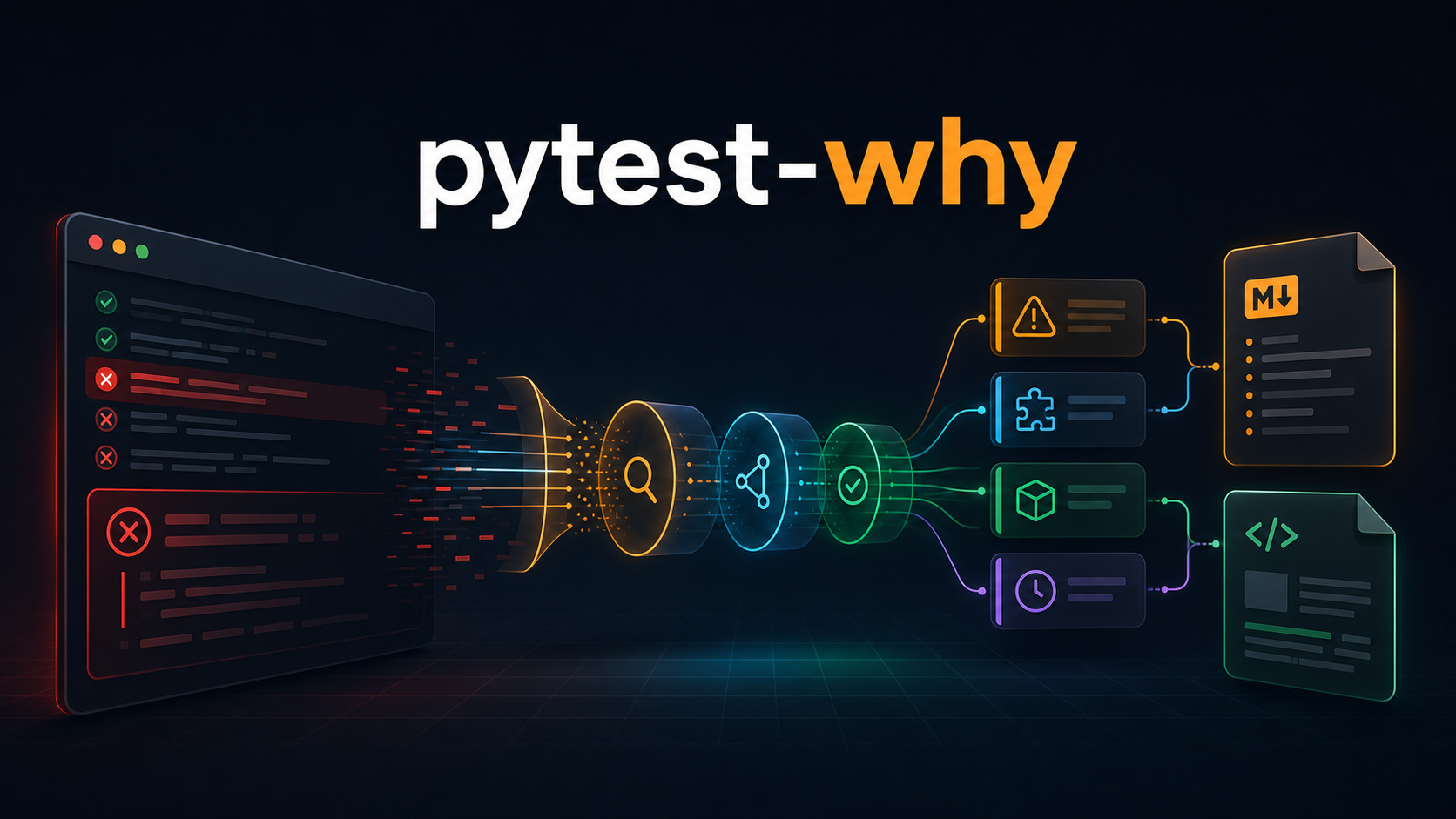
What pytest-why Adds
- Explicit failure classification for assertions, fixtures, imports, timeouts, and unknown errors
- Phase-aware diagnostics across setup, call, teardown, and collection
- Browser automation context for Selenium and Playwright failures
- Shareable reports in Markdown and standalone HTML
- Full traceback preservation so guidance never replaces the original evidence
Pytest is excellent at telling us that a test failed. It identifies the node, the phase, the assertion diff, and the traceback. The harder question is often what to inspect first.
In a large suite, technically complete output can still take several minutes to classify. A failure might come from an incorrect assertion, a fixture that never initialized, a broken import, a blocked operation, or a browser interaction that ran before the page was ready.
The Problem: Classification Comes Before Debugging
def test_total_price():
    subtotal = 100
    tax = 18

    assert subtotal + tax == 120
For an experienced developer, the next step is straightforward: compare expected and actual values, then trace where they diverged. In a long CI log or an unfamiliar codebase, that interpretation still costs time.
- A missing fixture fails during setup before the test body runs.
- An import error can stop collection entirely.
- A timeout often points to a blocked operation rather than the final traceback line.
- A Selenium or Playwright failure can indicate selector drift, timing, waits, or interactability.
- A teardown error can reveal broken cleanup after a successful test body.
An Opt-In Diagnostic Layer
pytest-why is deliberately opt-in. Install the package, enable the plugin with one flag, and pytest continues to run normally while the diagnostic layer observes failures.
python -m pip install pytest-why
pytest --whyA First Example
def test_checkout_total():
    actual_total = 118
    expected_total = 120

    assert actual_total == expected_total
With pytest --why enabled, the normal traceback remains visible. The plugin also labels the failure as an assertion mismatch and points the developer toward expected-versus-actual values, inputs, transformations, and precision assumptions.
Understanding Pytest Failure Phases
Treating every failure as a test-body problem leads to noisy advice. pytest-why stores the pytest phase with each diagnostic so the explanation can distinguish a broken fixture from a failed assertion or cleanup problem.
The Classification Model
The classifier favors transparent, deterministic rules over opaque prediction. That makes behavior easy to test and explain, while keeping the unknown category honest when the evidence does not support a stronger claim.
Browser Automation Context
Browser failures often share generic exception shapes, so pytest-why enriches supported Selenium and Playwright traces with domain-specific checks.
- Confirm that the locator still matches the intended element.
- Check whether navigation, rendering, or network activity completed before the action.
- Verify visibility, enabled state, and interactability.
- Review explicit waits and remove timing assumptions hidden in fixed sleeps.
- Inspect whether frames, popups, shadow roots, or page transitions changed the browser context.
How the Plugin Integrates with Pytest
pytest run
   |
   +-- collection reports
   +-- setup / call / teardown reports
   |
   v
pytest-why classifier
   |
   +-- terminal summary
   +-- Markdown report
+-- standalone HTML reportThe package exposes a pytest11 entry point, allowing pytest to discover the plugin after installation. The command-line flag controls whether diagnostic state and report generation are active.
[project.entry-points.pytest11]
why = "pytest_why.plugin"
Why the Raw Traceback Is Preserved
pytest-why stores pytest's complete long representation instead of reducing failures to an exception message. This preserves stack frames, assertion introspection, chained exceptions, fixture context, collection details, and plugin-provided traceback information.
Markdown and HTML Reports
Every enabled run writes a Markdown report and a self-contained HTML report. Both formats group the classification, explanation, suggested next steps, phase, and original traceback into an artifact that can move beyond the terminal.
- Attach the Markdown report to an issue or pull request.
- Upload both reports as CI artifacts.
- Share the HTML file with teammates who do not have the local environment.
- Keep the traceback alongside the guidance for review and escalation.
Collection Errors Are First-Class Failures
Many plugins focus only on executed tests, but import and discovery failures can stop a suite before any test item exists. pytest-why listens for collection reports separately and routes those errors through the same classification and reporting pipeline.
from missing_dependency import client

def test_client():
    assert client.is_ready()
Using Reports in CI
- name: Run tests with diagnostics
  run: pytest --why

- name: Upload pytest-why reports
  if: always()
  uses: actions/upload-artifact@v4
  with:
    name: pytest-why-reports
    path: |
      pytest-why-report.md
      pytest-why-report.html
The always condition is important: diagnostic artifacts are most valuable when tests fail, which is exactly when a default success-only upload step would be skipped.
Testing a Pytest Plugin
The project uses pytester to create temporary test suites and execute nested pytest runs. This verifies real plugin discovery, option handling, terminal output, collection behavior, and report generation rather than testing only isolated helper functions.
- Classifier unit tests for each supported category and fallback behavior.
- Reporter tests for Markdown fences and HTML escaping.
- End-to-end runs for setup, call, teardown, and collection failures.
- Disabled-mode checks confirming normal pytest behavior without --why.
- Artifact checks confirming both report files are written.
Current Design Boundaries
The current implementation is focused on deterministic rules, concise guidance, Markdown and HTML reports, and an opt-in workflow. The items below are possible extensions, not implemented features.
- Configurable custom classification rules.
- Configurable report paths and filenames.
- Machine-readable JSON output.
- Grouping and deduplication of repeated failures.
- Source-code links for supported CI providers.
- Additional domain-specific enrichers beyond browser automation.
Getting Started
python -m pip install -U pytest-why
pytest --why
Explore the pytest-why project page, install it from PyPI, or review the source on GitHub.