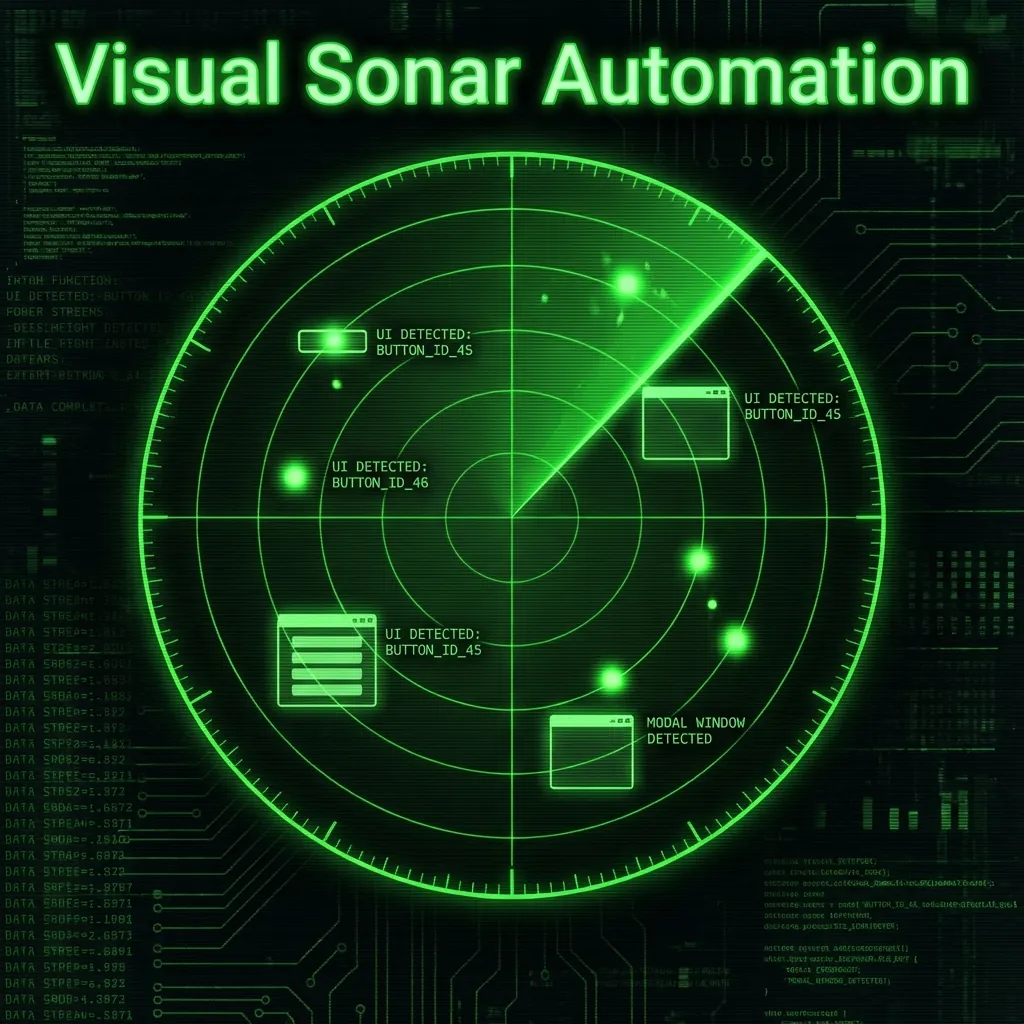
Vision-Based Automation
- The Challenge: No DOM in Citrix/WVD
- The Tech: Echolocation for GUIs (TAB + Diff)
- The Benefit: Free, open-source alternative to UiPath
- Architecture: Python + OpenCV + PyAutoGUI
Every automation engineer has faced this: you need to automate a legacy Windows application running inside Windows Virtual Desktop (WVD) or Citrix. You fire up Selenium... and realize there's no DOM. You try UiPath... and hit a $10,000 licensing wall. You consider AutoIt... and discover the coordinates break when someone changes their monitor.
๐ฏ The Problem: The Automation Black Hole
The challenge: How do you reliably identify form fields when all you have is a live video stream of a remote desktop?
Why Traditional Tools Fail
| Tool | Problem with Remote Desktop |
|------|----------------------------|
| **Selenium/Playwright** | No DOM accessโit's pixel-rendered stream |
| **UiPath/Blue Prism** | Expensive licenses, complex setup |
| **AutoIt/PyAutoGUI (basic)** | Hardcoded coordinates break with resolution/DPI changes |
| **Image Recognition** | Brittleโfails with font smoothing, themes, colors |๐ก The Solution: Echolocation for GUIs
Visual Sonar borrows from nature. Bats navigate in darkness using echolocationโthey emit sounds and detect objects by analyzing the returning echoes. Visual Sonar does the same with form fields:
โโโโโโโโโโโโโโโโโโโโโโโโโโโโโโโโโโโโโโโโโโโโโโโโโโโโโโโ
โ 1. Take screenshot (BEFORE) โ
โ 2. Press TAB key โ
โ 3. Take screenshot (AFTER) โ
โ 4. Diff the images โ The changed region = FIELD โ
โโโโโโโโโโโโโโโโโโโโโโโโโโโโโโโโโโโโโโโโโโโโโโโโโโโโโโโWhen a form field receives focus, most applications display a focus ring (blue border, highlight, etc.). By detecting *where the pixels changed*, we identify the field's exact coordinates.
Why This Works
- Universal: Every accessible application shows focus indicators
- Resolution-Independent: Coordinates are captured at runtime
- Theme-Agnostic: We detect *change*, not specific colors
- No Agents Required: Works purely from the client side
๐๏ธ Architecture Deep Dive
Core Components
visual_sonar.py (985 lines)
โโโ VisualSonar class
โ โโโ _detect_dpi_scale() # Per-monitor DPI handling
โ โโโ wait_for_stabilization() # Adaptive frame settling
โ โโโ get_focus_region() # Computer vision diff
โ โโโ map_form() # Interactive mapper
โ โโโ run_automation() # Execution engine
โ โโโ extract_text_*() # OCR capabilities
โโโ _run_cli() # CLI command handler
โโโ wvd_simulator.py # Safe testing environmentThe Detection Algorithm
def get_focus_region(self, img_before, img_after):
# Convert to grayscale
gray_a = cv2.cvtColor(np.array(img_before), cv2.COLOR_RGB2GRAY)
gray_b = cv2.cvtColor(np.array(img_after), cv2.COLOR_RGB2GRAY)
# Gaussian blur to reduce noise
gray_a = cv2.GaussianBlur(gray_a, (5, 5), 0)
gray_b = cv2.GaussianBlur(gray_b, (5, 5), 0)
# Absolute difference
diff = cv2.absdiff(gray_a, gray_b)
# Dynamic thresholding (median + 15 for compression artifacts)
median_val = np.median(diff)
thresh_val = int(median_val + 15)
_, thresh = cv2.threshold(diff, thresh_val, 255, cv2.THRESH_BINARY)
# Morphological dilation to connect nearby changes
kernel = np.ones((5, 5), np.uint8)
dilated = cv2.dilate(thresh, kernel, iterations=2)
# Find the largest contour = the field
contours, _ = cv2.findContours(dilated, cv2.RETR_EXTERNAL, cv2.CHAIN_APPROX_SIMPLE)
largest = max(contours, key=cv2.contourArea)
return cv2.boundingRect(largest) # (x, y, width, height)Key techniques: Gaussian Blur reduces noise from RDP compression artifacts. Dynamic Thresholding uses median + 15 instead of a fixed value to adapt to different compression levels. Morphological Dilation connects fragmented focus ring pixels into a single region. Contour Analysis finds the largest changed area (the field) and ignores small cursor flickers.
๐ง Challenges & Solutions
Challenge 1: Screen Instability (RDP Lag)
Problem: Remote desktop connections have latency. Taking screenshots immediately after TAB may capture mid-render frames.
Solution: Adaptive Stabilization โ The system waits for 3 consecutive frames with less than 20 pixels of change. This handles cursor blink animations, RDP decoder artifacts, and network jitter.
def wait_for_stabilization(self):
"""Wait for N consecutive identical frames."""
stable_count = 0
while stable_count < 3: # Need 3 stable frames
time.sleep(0.1)
curr = screenshot()
diff = cv2.absdiff(last, curr)
if cv2.countNonZero(diff) < 20: # Micro-motion limit
stable_count += 1
else:
stable_count = 0 # Reset on movement
last = currChallenge 2: Multi-Monitor DPI Scaling
Problem: A map created on a 4K monitor (150% DPI) fails on a 1080p monitor (100% DPI).
Solution: Per-Window DPI Detection โ Gets DPI from the actual RDP window, not the system default. The map stores DPI scale, and at runtime applies the scale ratio.
def _detect_dpi_scale(self):
try:
# Get DPI from the actual RDP window, not system default
rdp_windows = gw.getWindowsWithTitle('Remote Desktop')
if rdp_windows:
hwnd = rdp_windows[0]._hWnd
dpi = ctypes.windll.user32.GetDpiForWindow(hwnd)
return dpi / 96.0
except:
# Fallback to system DPI
return ctypes.windll.user32.GetDpiForSystem() / 96.0Challenge 3: Infinite Loop Detection
Problem: If a field has no visible focus ring (e.g., disabled element), the TAB loop never ends.
Solution: Three-Strikes Guard โ Three consecutive TABs without visual change = end of form.
no_change_count = 0
while True:
res = get_focus_region(before, after)
if res:
no_change_count = 0 # Reset on success
# ... map the field
else:
no_change_count += 1
if no_change_count >= 3:
print("โ No change for 3 TABs โ assume end of form.")
breakChallenge 4: CI/CD Headless Execution
Problem: `cv2.imshow()` crashes in headless servers (GitHub Actions, Docker).
Solution: Environment Variable Guard โ Set `HEADLESS=1` to skip all GUI operations.
if os.environ.get("HEADLESS", "0") == "0":
cv2.imshow("Field Detected", debug_img)
cv2.waitKey(1)Challenge 5: Unicode & Special Characters
Problem: `pyautogui.write()` doesn't support Unicode characters (รฉ, รฑ, ไธญๆ).
Solution: Clipboard Paste โ This handles any character the clipboard supports.
import pyperclip
def type_text(value):
pyautogui.hotkey('ctrl', 'a') # Select all
pyautogui.press('backspace') # Clear
pyperclip.copy(str(value)) # Copy to clipboard
pyautogui.hotkey('ctrl', 'v') # PasteChallenge 6: Secrets in Logs
Problem: Passwords appearing in console output is a security risk.
Solution: Pre-Execution Scrubbing โ Secrets are never logged.
safe_data = copy.deepcopy(input_data)
for k, v in safe_data.items():
if isinstance(v, str) and len(v) > 3:
safe_data[k] = '*' * len(v) # "password" โ "********"
print(f"Input: {safe_data}") # Secrets never logged๐ Feature Matrix
| Feature | Description | Status |
|---------|-------------|--------|
| **Visual Mapping** | TAB-based focus detection | โ
Stable |
| **Field Types** | text, click, toggle, dropdown, double_click | โ
Stable |
| **DPI Scaling** | Per-monitor awareness | โ
Stable |
| **OCR Extraction** | EasyOCR / Pytesseract backends | โ
Stable |
| **Batch Testing** | CSV/JSON data-driven runs | โ
Stable |
| **Emergency Stop** | Mouse-to-corner failsafe | โ
Stable |
| **Step Screenshots** | Debug capture per action | โ
Stable |
| **Headless Mode** | CI/CD compatible | โ
Stable |
| **Encrypted Input** | Fernet-based secrets | ๐ Planned |
| **Cross-Platform** | Linux/Mac support | ๐ Planned |๐ฎ Usage Examples
Basic Workflow
# 1. Install
pip install visual-sonar
# 2. Map your form
visual-sonar map
# 3. Create input file
echo '{"username": "test@co.com", "password": "secret", "signin": true}' > input.json
# 4. Execute
visual-sonar runData-Driven Testing
# users.csv
username,password,signin
user1@co.com,pass1,true
user2@co.com,pass2,true
user3@co.com,pass3,true
# Run batch
visual-sonar batch users.csvRuns the same form 3 times with different credentials.
OCR Verification
# Extract text from screen region
visual-sonar extract region 100 200 300 50
# Verify expected text exists
visual-sonar extract verify 100 200 300 50 "Login Successful"โ๏ธ Benefits vs. Drawbacks
โ Benefits
- Zero Licensing Fees: MIT licensed, completely free
- No Agent Installation: Works client-side only
- Works Everywhere: Any app with focus indicators
- Portable Maps: JSON files version-control easily
- Data-Driven: Batch testing built-in
- DPI-Aware: Handles multi-monitor setups
- Safe Testing: Built-in simulator for development
โ ๏ธ Drawbacks
- Focus Ring Required: Apps without visible focus indicators won't work
- Sequential Only: Can't interact with multiple windows simultaneously
- Network Dependent: RDP lag affects detection reliability
- Windows-Only: Currently requires Windows APIs (pygetwindow, winsound)
- Resolution Sensitivity: Significant resolution changes require remapping
- No Conditional Logic: Linear execution only (no if/else branching)
๐ Security Considerations
- Never commit `input.json`: Contains credentials, always `.gitignore`
- Use encrypted input (planned): Fernet-encrypted secrets file
- Restrict screen sharing: Bot screencaps may expose data
- Network isolation: Run on dedicated automation networks
- Audit trails: All step screenshots provide forensic evidence
๐ Real-World Use Cases
- Legacy ERP Automation: Automate data entry into SAP, Oracle, or custom legacy systems running inside Citrix.
- Test Automation: Functional testing of desktop applications where traditional tools fail.
- Data Migration: Bulk data entry from CSV into systems without APIs.
- Compliance Reporting: Scheduled screenshot capture of dashboards for audit trails.
- Training Data Generation: Capture labeled form field data for ML model training.
๐ฎ Future Roadmap
- Encrypted Secrets: Fernet-based input.json encryption
- Linux/Mac Support: Cross-platform pygetwindow alternatives
- Conditional Flows: If/else branching based on OCR results
- Parallel Execution: Multi-window orchestration
- Visual Diff Dashboard: Web UI for comparing runs
- Auto-Healing: Fuzzy coordinate matching for minor UI changes
๐ Getting Started
pip install visual-sonar
visual-sonar helpDocumentation: USER_GUIDE.md
Source: github.com/godhiraj-code/wvdautomation
๐ Acknowledgments
- OpenCV for computer vision primitives
- PyAutoGUI for cross-platform input simulation
- EasyOCR for neural network-based text extraction
- The countless hours debugging RDP compression artifacts ๐
*Visual Sonar is released under the MIT License. Contributions welcome!*