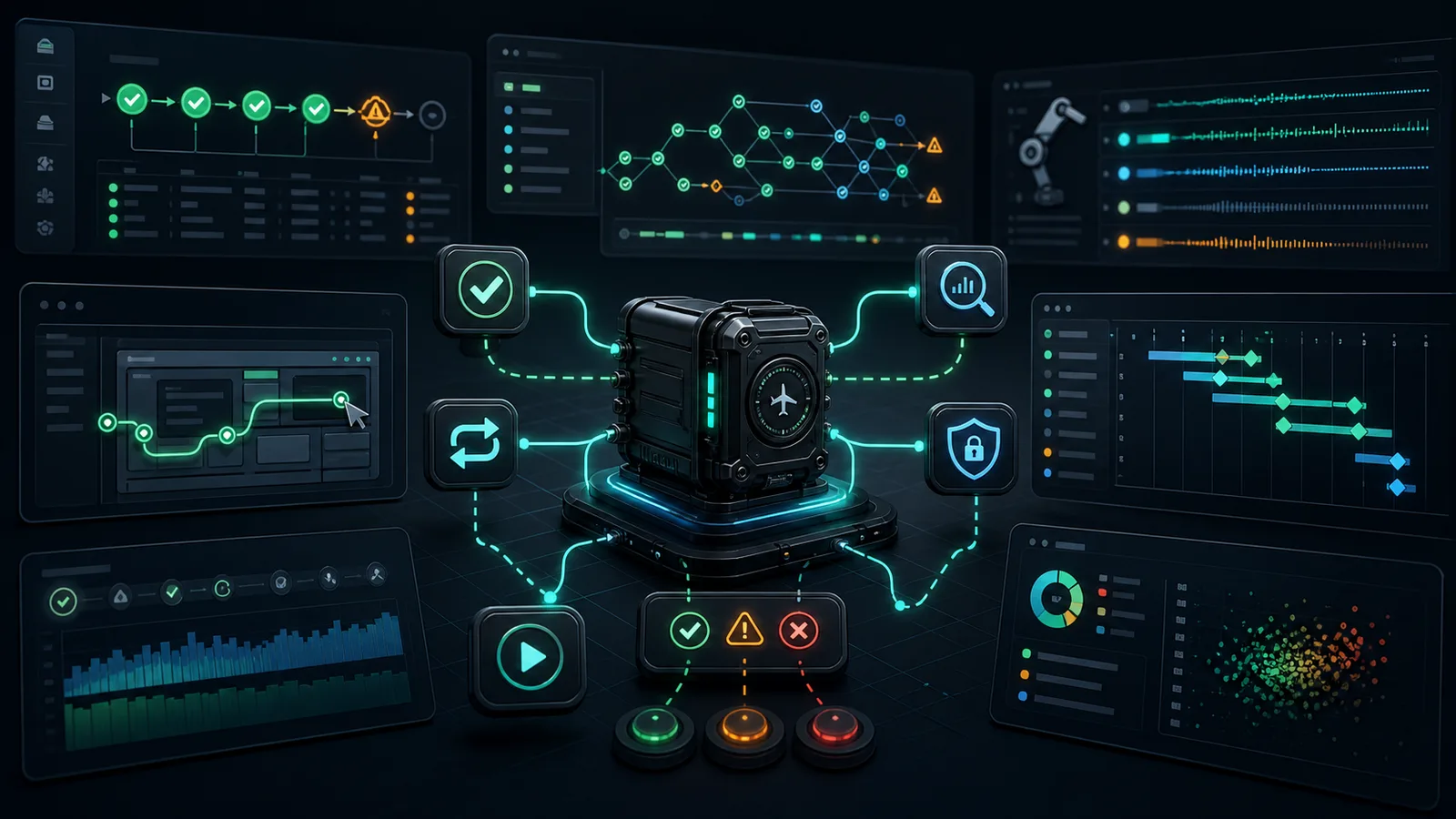
pip install agent-blackbox is a published package.AI agents are moving from demos into real engineering work. They read issues, edit code, run tests, call tools, inspect logs, and sometimes report success with a confidence that feels useful until you ask the most important question: what actually happened during the run?
That question is where my automation background becomes useful. Test automation has always been about turning uncertain behavior into repeatable evidence: logs, screenshots, traces, assertions, timings, reports, and root-cause clues. Agentic AI needs the same discipline, because an agent is not just answering a prompt. It is taking actions.
What Is an Agent?
An AI agent is a software system that uses a model to pursue a goal through multiple steps. A normal chatbot usually gives one answer. An agent can decide that it needs more information, call a tool, read the result, update its plan, and continue.
In simple terms, an agent is a loop. It observes the current situation, thinks about what should happen next, acts through a tool or response, observes the result, and repeats until it decides the task is complete or blocked.
The basic agent loop:

  Goal from user
       |
       v
  Observe current context
       |
       v
  Decide next step
       |
       v
  Act through a tool, command, file edit, browser action, or message
       |
       v
  Observe the result
       |
       v
  Continue, finish, or ask for help
That loop is what makes agents powerful. It is also what makes them risky. Every additional step creates another place where the agent can misunderstand the goal, choose the wrong tool, miss an error, over-edit a file, ignore a test failure, or summarize the run incorrectly.
How Does an Agent Work?
A useful agent does not only generate text. It works through a controlled runtime. The model may decide the next action, but the surrounding application decides what tools exist, how files are read, how commands run, what permissions apply, and what evidence gets captured.
Imagine asking an agent to fix a failing unit test. A weak version reads the error and guesses. A stronger version opens the failing file, searches for related code, edits the implementation, runs the test, reads the new output, and adjusts again. The difference is not only the model. The difference is the complete execution system around the model.
A realistic coding-agent run:

  1. User asks: "Fix the failing parser test."
  2. Agent reads the failure summary.
  3. Agent searches for the parser and test files.
  4. Agent edits code.
  5. Agent runs the focused test.
  6. Test fails with a different assertion.
  7. Agent inspects the new output.
  8. Agent edits again.
  9. Agent runs tests again.
 10. Agent reports what changed and what verification passed.
To the user, that may look like one smooth assistant interaction. Under the surface, it is a chain of decisions and side effects. Reliability comes from making that chain visible enough to inspect.
What Is an Agent Harness?
An agent harness is the controlled environment around the agent. If the agent is the driver, the harness is the vehicle, dashboard, pedals, guardrails, telemetry, and inspection bay. It connects the model to tools, controls permissions, supplies context, manages state, captures outputs, and defines how the run should be evaluated.
This idea should feel familiar to automation engineers. A Selenium or Playwright test does not run in empty space. It needs a test runner, browser driver, fixtures, timeouts, screenshots, reports, retries, selectors, environment variables, and assertions. Agent systems need the same kind of runtime discipline.
Without a harness, an agent is just a model with ambition. With a harness, it becomes a workflow that can be constrained, observed, tested, and improved.
What Is the Agentic AI Part?
The agentic part is the shift from passive response to goal-directed action. A traditional AI answer is usually a single completion: prompt in, answer out. An agentic workflow allows the system to choose intermediate actions and adapt based on feedback.
That does not mean the agent is magically independent. Autonomy exists on a spectrum. Some agents only suggest next steps. Some can read files but not write them. Some can edit code but require approval before running risky commands. Some can run inside CI with strict policies and no human in the loop. The reliability design depends on where that autonomy boundary sits.
The Problems We Face With Agents
Agents fail differently from normal scripts. A script usually follows the same path unless the data or environment changes. An agent can choose a different path because the prompt changed, the model response changed, a tool output changed, or a previous decision nudged the run in a new direction.
- Non-determinism: the same request may not produce the same sequence of actions twice.
- Long-horizon drift: a small misunderstanding early in the run can become a large failure ten steps later.
- Tool fragility: shell commands, browsers, APIs, file systems, and networks all fail in their own ways.
- False completion: the agent may say a task is done even when verification was skipped or failed.
- Over-editing: the agent may change more files than the task required.
- Context blindness: the agent may miss an instruction, stale state, hidden dependency, or important log line.
- Security exposure: prompts and tool outputs may contain secrets, customer data, tokens, internal paths, or proprietary code.
- Evaluation ambiguity: success is often more complex than one pass/fail signal.
- Cost and latency: long runs can call many tools and models before anyone knows if progress is real.
- Environment drift: the run may pass locally, fail in CI, or depend on a transient external state.
These are not reasons to avoid agents. They are reasons to treat agents as serious software systems. The lesson from automation testing is simple: if a workflow can fail in complex ways, it needs instrumentation before it needs more optimism.
Why Debugging Agents Is Difficult
Debugging an agent is hard because the failure source is often unclear. Did the model reason badly? Did the prompt omit a constraint? Did the harness expose the wrong tool? Did a command fail? Did the agent ignore stderr? Did a file edit introduce a regression? Did the final message hide the most important detail?
A normal terminal log is not enough. Terminal output shows fragments, not intent. Chat history shows summaries, not always the raw event stream. Git diffs show what changed, not why the change happened. Test output shows a result, not the whole route the agent took to get there.
An agent failure may live in any layer:

  User goal
     |
  Prompt and instructions
     |
  Model decision
     |
  Harness policy
     |
  Tool call
     |
  Environment state
     |
  File change
     |
  Verification command
     |
  Final summary
That layered failure model is the reason agent debugging often feels slippery. You are not debugging one stack trace. You are debugging a decision chain.
What We Are Trying to Achieve
The goal is not to make agents look impressive in a demo. The goal is to make agent work inspectable enough that people can safely trust it in real workflows. That means reliable capture, useful diagnosis, local privacy, and evidence that can survive beyond the chat window.
- Observability: know what the agent did, when it happened, and what each action returned.
- Reproducibility: preserve enough run context to recreate or reason about the incident later.
- Verification: connect the agent's claims to commands, tests, checks, or reviewable artifacts.
- Privacy: minimize stored data and sanitize by default; retain raw evidence only by explicit choice.
- Classification: turn noisy failures into useful categories like tool error, timeout, permission issue, test failure, or false completion.
- Postmortems: produce a human-readable report that explains the run without forcing someone to scrape terminal history.
- Continuous improvement: use failure evidence to improve prompts, harness policies, tests, and tooling.
This is where automation experience transfers directly. A mature automation system is not just a pile of scripts. It is a reliability system. Agentic AI needs that same mindset: controlled execution, clear artifacts, trustworthy reports, and feedback loops.
How Agent Blackbox Fits In
Agent Blackbox is a local-first flight recorder for AI-agent runs. It is designed around a simple belief: if an agent can edit files, run commands, call tools, and claim success, then teams need a reliable way to inspect what actually happened.
The word "blackbox" is intentional. In aviation, a flight recorder exists because a complex system can fail in ways that are impossible to reconstruct from memory. Agentic workflows are not airplanes, but the reliability principle is similar: record the run while it happens, preserve the evidence, and make the incident understandable after the fact.
Agent Blackbox high-level architecture:

  User / CI / Scheduler
          |
          v
  Agent Blackbox CLI
          |
          +---- starts and monitors ----> Agent or agent harness process
          |                                  |
          |                                  +--> shell commands
          |                                  +--> file operations
          |                                  +--> browser or API tools
          |                                  +--> model and tool outputs
          |
          +---- sanitizes stream ------> Local sanitized evidence store
          |
          +---- redacts sensitive data --> Sanitized event ledger
          |
          +---- classifies failures -----> Failure category and signals
          |
          +---- generates reports -------> Markdown postmortem / HTML timeline
The first job is capture of supported evidence: command metadata, emitted stdout and stderr, timings, exit codes, and adapter-visible events. The current tool adds Claude Code, Codex, OpenCode, and custom JSON/JSONL input paths. It cannot observe actions that never appear in the captured input.
The second job is data minimization. New recordings persist sanitized output and sanitized arguments by default; console output is also sanitized. Raw storage and raw console streaming require separate opt-in flags. Original agent transcripts may still contain sensitive material, and redaction requires human review before export.
The third job is diagnosis. A pile of logs is not a postmortem. Agent Blackbox turns the captured run into a structured report: what command ran, when output arrived, where failures appeared, what category the failure belongs to, and what a human should review next.
How Agent Blackbox Works
At a practical level, Agent Blackbox sits between the person or automation system that starts a run and the agent process that performs the work. That agent process can be a coding agent, a local harness, a gateway command, a scheduled workflow, or a diagnostic script.
Agent Blackbox run flow:

  Start
    |
    v
  Receive run command and metadata
    |
    v
  Launch the agent or harness process
    |
    v
  Stream stdout and stderr while the process runs
    |
    v
  Capture timing, exit status, and important events
    |
    v
  Save sanitized evidence locally by default
    |
    v
  Create sanitized output with redaction rules
    |
    v
  Classify failure signals
    |
    v
  Generate postmortem and visual timeline
    |
    v
Use the evidence to fix the agent, harness, prompt, test, or workflowWhat We Are Fixing
Agent Blackbox is not trying to replace the agent. It is trying to make the agent's work auditable. That matters because the reliability problems are usually around the run, not only inside the model.
- When an agent says tests passed, Agent Blackbox helps preserve the command evidence behind that claim.
- When a run hangs, Agent Blackbox keeps timing and stream evidence instead of losing context in terminal scrollback.
- When a workflow fails, Agent Blackbox can classify the failure instead of leaving a generic red status.
- Agent Blackbox sanitizes recorded output by default. Review the resulting report before sharing because redaction cannot guarantee removal of every secret.
- When a team needs to improve a prompt or harness, Agent Blackbox gives them real failure artifacts to learn from.
A Concrete Example
Suppose an agent is asked to fix a failing API test. It edits code, runs a test command, sees a timeout, changes a fixture, runs a different command, and finally says everything is fixed. Without a recorder, the reviewer must piece the story together from chat history, terminal output, git diff, and memory.
With Agent Blackbox, the run becomes a reviewable timeline. The report can show the commands that ran, the exact failure output, whether the final verification happened, and whether the run ended cleanly. If the agent skipped the focused test or silently ignored stderr, that becomes visible.
Without a flight recorder:

  "I fixed it."
       |
       v
  Reviewer searches chat, terminal scrollback, and diffs manually.

With Agent Blackbox:

  "I fixed it."
       |
       v
  Reviewer opens the postmortem:
       - command timeline
       - stdout and stderr evidence
       - exit codes
       - failure markers
       - sanitized report
       - next review focus
Where the Agent Harness and Agent Blackbox Meet
A harness controls what the agent can do. Agent Blackbox observes and explains what happened while the harness ran. They complement each other. The harness defines the guardrails; Agent Blackbox records whether the run stayed inside them and what happened when it did not.
Relationship between the pieces:

  Agent
    - Chooses actions
    - Uses model reasoning
    - Requests tools

  Agent harness
    - Provides tools
    - Applies permissions
    - Manages context
    - Runs checks

  Agent Blackbox
    - Records the run
    - Preserves evidence
    - Redacts sensitive output
    - Classifies failures
    - Generates postmortems
Why Local-First Reliability Matters
Agent traces can contain almost everything sensitive in a software project: prompts, code, environment variables, tokens, customer data, stack traces, file paths, branch names, logs, and internal instructions. A reliability layer that uploads those traces carelessly creates a new failure mode.
Local-first does not mean isolated forever. It means the evidence store starts under the user's control, with sanitized capture as the default. Teams can choose what to redact, what to export, and what to share. This is especially important for automation engineers, consultants, and enterprises who work across client systems where trust boundaries matter.
How This Connects to Automation Testing
My professional title remains Automation Consultant, and that background is the foundation of this work. The transition is not from automation to something unrelated. It is from testing deterministic workflows to validating agentic workflows, where the execution path is more dynamic but the reliability principles remain deeply familiar.
Automation teaches you to distrust vague success. It teaches you that "works on my machine" is not evidence. It teaches you that flaky systems need traces, retries need discipline, reports need to be actionable, and failures should become learning loops. Those lessons transfer directly to agentic AI.
The Future Importance of Agent Reliability
Agent reliability will become more important as agents move closer to production work. Today many agents help developers write code. Tomorrow they will triage incidents, maintain test suites, update dependencies, prepare release notes, inspect dashboards, create support drafts, run migrations, and coordinate across internal systems.
The more authority an agent receives, the more evidence the organization needs. A team can tolerate a chatbot being occasionally wrong. It cannot tolerate an unsupervised workflow silently editing the wrong service, skipping verification, leaking credentials, or closing an incident without evidence.
- Engineering teams will need run ledgers for agent-made changes.
- QA teams will need eval harnesses that test agent behavior, not only application behavior.
- Security teams will need redaction and policy enforcement around agent traces.
- Managers will need evidence that agent productivity is not just moving review burden onto humans.
- Consultants will need portable, client-safe artifacts that explain what the agent did and why it can be trusted.
What Reliable Agentic AI Looks Like
A reliable agentic workflow does not mean the agent never fails. Reliable systems fail in understandable ways. They preserve enough context to diagnose the failure, they avoid unsafe side effects, they tell the truth about uncertainty, and they create feedback that improves the next run.
The Practical Path Forward
The first step is not to build a giant platform. The first step is to stop treating agent runs as disposable chat sessions. Capture them. Redact them. Classify them. Review them. Use them to improve the harness. That is how agentic AI moves from impressive demo to reliable engineering system.
Putting it into practice
Agents are powerful because they can act. That same ability makes them harder to trust without a reliability layer. Agent harnesses provide the controlled environment. Agent Blackbox provides local-first run capture, redaction, classification, and postmortems. Together, they bring the discipline of automation testing into the age of agentic AI.
Current capture limits
Default capture is bounded to 10 MiB. Redaction is not a guarantee that arbitrary private information is removed. A report explains captured behavior; it does not certify safety, provide tamper-proof evidence, or guarantee replay of the original environment.