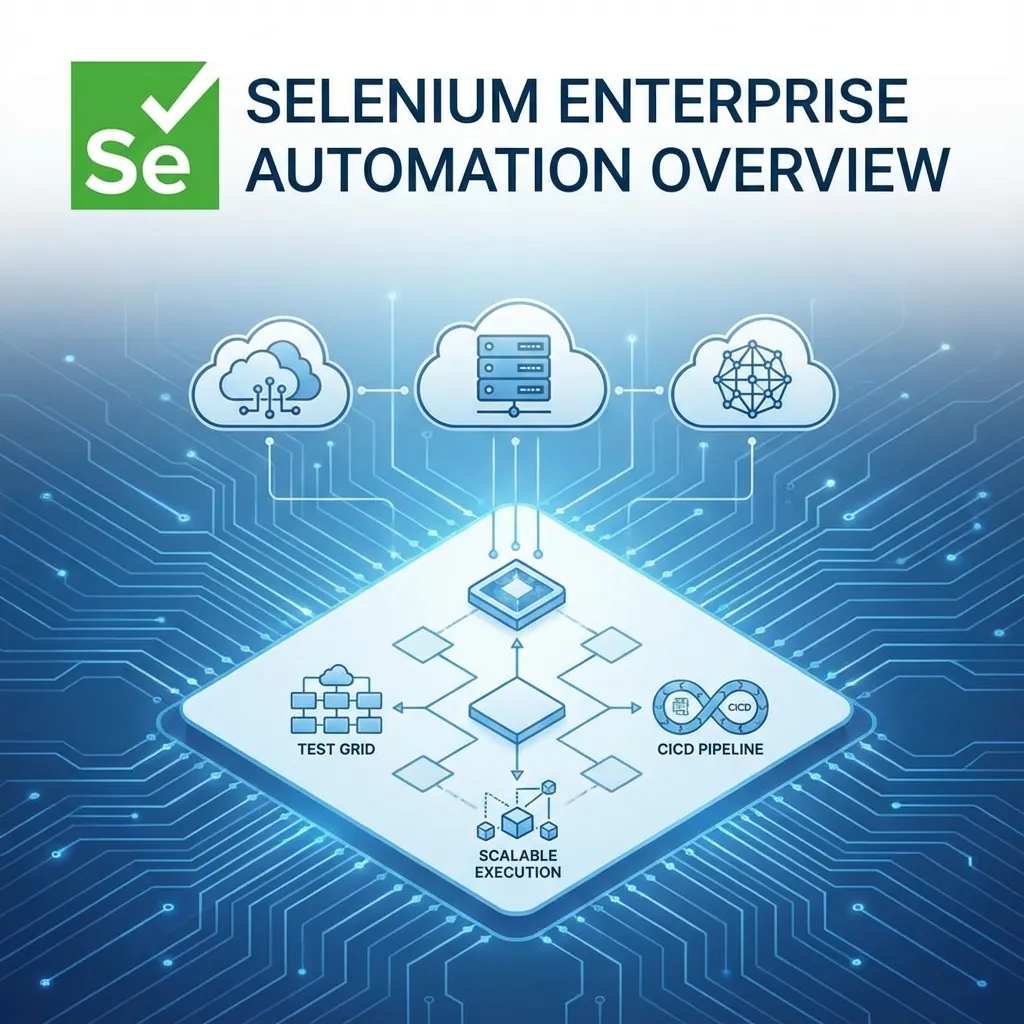
Enterprise Selenium
- Design Patterns: Modern POM + Components
- Atomic Tests: Zero-dependency execution
- Infrastructure: Selenium Grid 4 + Docker
- Observability: BiDi APIs & Event Listeners
Selenium remains the gold standard for web automation in enterprise environments. While dozens of modern tools compete with shiny features, Selenium’s W3C WebDriver compliance, open ecosystem, language flexibility, and global community make it the most widely adopted automation technology across Fortune 500 companies.
But here is the reality:
Writing a script that passes once is easy. Building a suite that runs reliably 10,000 times across distributed infrastructure is engineering.
Enterprise automation is not about clicks and waits — it is about design, scalability, and resilience.
The Enterprise Challenge: Scale, Stability & Reliability
In large organizations, test suites grow from 50 to 5,000+ tests over time. This causes:
❌ Typical Enterprise Pain Points
- Flaky tests (usually due to synchronization problems, unstable locators, or shared state)
- Slow suites (UI-driven flows take too long)
- High maintenance cost
- Parallel execution bottlenecks
- Cross-browser inconsistencies
- Tooling fragmentation between teams
The solution is to move from “script developer” mindset to automation architect mindset. The sections below explain what that means.
1. Page Object Model + Component Architecture (Modern POM)
POM is the foundation of maintainability. But enterprises must go beyond “Page-level” objects and use Component Objects — a modern evolution inspired by React/Angular componentization.
Why Components?
- Reuse UI elements across pages
- Reduce duplicated locators and methods
- Reduce maintenance when UI changes
- Align test code with frontend architecture
Example: Date Picker Component
from datetime import date
from selenium.webdriver.common.by import By
from selenium.webdriver.support.ui import WebDriverWait
from selenium.webdriver.support import expected_conditions as EC

class DatePickerComponent:
    def __init__(self, driver, root_locator):
        self.driver = driver
        self.root_locator = root_locator

    def select_date(self, date_str):
        value = date.fromisoformat(date_str).isoformat()
        wait = WebDriverWait(self.driver, 10)
        wait.until(EC.element_to_be_clickable(self.root_locator)).click()
        wait.until(EC.element_to_be_clickable(
            (By.CSS_SELECTOR, f"[data-date='{value}']")
        )).click()

class BookingPage:
    def __init__(self, driver):
        self.date_picker = DatePickerComponent(driver, (By.ID, "date-picker"))
Best Practices
- ✔ Use CSS selectors over XPath where possible — faster & stable
- ✔ Avoid driver.find_element inside tests — use page/component methods
- ✔ Store locators in one place
- ✔ Never expose selenium commands directly to tests
Pitfalls
- ❌ Overusing inheritance → leads to rigid hierarchies
- ❌ Page objects becoming “God classes”
- ❌ Not modularizing repeatable UI widgets (dropdowns, modals, carousels)
2. Atomic Tests & State Management (Enterprise Mandatory)
Enterprise-grade suites must be atomic — each test should be runnable independently and in parallel.
❌ Avoid:
- Tests that depend on previous test output
- UI flows for setup (expensive and flaky)
- “End-to-end everything via UI”
✔ Do This Instead:
Use backend APIs, DB seeds, fixtures, or service stubs to create state.
Example: Seed user using API before starting UI test
def seed_user(session, base_url, role):
    # Authorized staging-only endpoint; clean up the returned user in a fixture.
    response = session.post(
        base_url.rstrip("/") + "/api/test/createUser",
        json={"role": role}, timeout=10,
    )
    response.raise_for_status()
    return response.json()
Then the UI test only focuses on validation, not setup.
Benefits
- Tests become fast
- Massive reduction in flakiness
- Fully parallelizable
- Minimal environment dependency
Pitfalls
- Teams forget to version-control API fixtures
- Test data inconsistencies across environments
- Seed APIs not maintained — leading to failures
3. Selenium 4+: Grid, DevTools, and BiDi APIs
Selenium 4 fundamentally modernized the ecosystem.
🔷 a. Selenium Grid 4 (for Scale)
New architecture includes: Router, Distributor, Session Map, Node.
Why Enterprises Love Grid 4
- ✔ Container-friendly (Docker + Kubernetes)
- ✔ Can be provisioned by external container orchestration; Grid alone does not configure autoscaling
- ✔ Observability metrics
- ✔ Supports both standalone, hub-node, and distributed modes
- ✔ Supports event bus architecture
Best Practices
- Run Grid on Kubernetes for elasticity
- Use video recording / logs for debugging
- Use separate queues for smoke vs regression
- Use ephemeral nodes to avoid “polluted browser sessions”
🔷 b. Bi-Directional (BiDi) API / Chrome DevTools Integration
Before Selenium 4, testers had to rely on BrowserMob Proxy, Custom listeners, or Non-standard APIs. Now, Selenium supports DevTools and BiDi, enabling capabilities typically associated with Playwright/Cypress:
- Network request interception
- Mocking API responses
- Blocking URLs (ads, analytics, slow endpoints)
- Capturing console logs
- Performance metrics
- Access to DOM events
Example: Add custom headers using DevTools
driver.execute_cdp_cmd("Network.enable", {})
driver.execute_cdp_cmd(
"Network.setExtraHTTPHeaders",
{"headers": {"Authorization": "Bearer token123"}}
)
Example: Intercept network (mocking)
BiDi and CDP are different interfaces. Do not mix a CDP example with a BiDi connection object. Browser support and Python bindings vary by installed Selenium version; use the matching Selenium BiDi documentation and verify the request event and response override in a small test before adding interception to the suite.
Pitfalls
- DevTools is browser-specific (Chrome/Edge primarily)
- Must not overuse mocks in UI tests → becomes detached from reality
- Can increase flakiness if used incorrectly
4. Synchronization & Stability Strategies
Synchronization is a common source of flakiness. Classify your own failures before deciding which infrastructure or wait changes will help.
✔ Recommended
- Explicit waits → WebDriverWait
- Conditions → presence, visibility, clickability
- Event-based waits (via BiDi where needed)
- Avoid arbitrary sleeps
❌ Avoid
- time.sleep()
- Waiting for DOM structure that frequently changes
- Overusing implicit waits (global waits add latency)
Example: Reliable wait
from selenium.webdriver.support.ui import WebDriverWait
from selenium.webdriver.support import expected_conditions as EC

WebDriverWait(driver, 10).until(
EC.visibility_of_element_located((By.ID, "checkout"))
)
5. Cross-Browser Strategy for Enterprises
✔ What to do
- Run smoke tests in all browsers
- Run full suite in one primary browser
- Pin browser versions for reproducibility and exercise upgrades in a separate compatibility job
- Use Selenium Manager or versioned browser containers
❌ Wrong but common
- Running full regression on 5 browsers → wasteful & slow
- Hardcoding chromedriver paths
- Using outdated browser versions
6. CI/CD for Selenium at Scale
A modern enterprise pipeline must include:
- 🔹 Test categorization (smoke, sanity, regression)
- 🔹 Parallel execution (20–200 nodes)
- 🔹 Retry logic (with root-cause logging)
- 🔹 Automatic screenshots & videos
- 🔹 Slack/Teams reporting
- 🔹 Analytics dashboard (Allure, ReportPortal, Grafana)
Common Pitfalls
- Running UI tests on PR builds (too slow)
- Not collecting artifacts → debugging becomes painful
- No tagging → all tests run every time
7. When NOT to Use Selenium (Important)
Even in enterprise settings, Selenium is not the answer for:
- ❌ Non-browser apps: Native mobile → Appium; Desktop apps → WinAppDriver / Winium / pywinauto
- ❌ Performance testing: Use JMeter, k6, Gatling, OctoPerf
- ❌ Massive stubbing/mocking: Use Playwright (more native)
8. Pros & Cons of Selenium for Enterprises
✅ Pros
- Standardized (W3C WebDriver)
- Works with any CI/CD pipeline
- Supports all major languages
- Cross-browser & cross-platform
- Large community → long-term reliability
- Integrates well with enterprise tools (Digital.ai, BrowserStack, Sauce Labs)
❌ Cons
- No built-in test runner → need pytest/TestNG/JUnit
- Slow for high-volume end-to-end tests
- Requires strong framework design skills
- Steeper learning curve compared to Playwright/Cypress
- DevTools APIs are not as ergonomic as Playwright’s native API
9. Recommended Enterprise Selenium Framework Architecture (2025)
- ✔ Component-based POM
- ✔ API + UI hybrid approach
- ✔ Pytest with plugins (rerunfailures, xdist, allure-pytest)
- ✔ Dependency injection for drivers
- ✔ Config via YAML
- ✔ Abstraction layers: Driver Manager, Services (API), Page components, Test flows, Validators
10. Official Sources
Always follow official documentation to avoid outdated or incorrect information.