Automation
AI
Test Automation
Conquering the Shadow DOM: A Guide for Automation Testers

Conquering the Shadow DOM: A Guide for Automation Testers

November 30, 2025 3 min read
🎯

Shadow DOM Demystified

  • The Problem: WebDriver cannot "see" inside shadow roots
  • Solution: Piercing the shadow boundary with JS recursion
  • Lumos: A Python wrapper to make it 1-line simple
  • Efficiency: No more rigid XPath chains

If you've ever tried to automate a modern web application built with Web Components, you've likely hit the 'Shadow DOM' wall. You inspect an element, see it right there in the DOM, but when you try to `driver.find_element(By.ID, 'my-element')`, Selenium throws a `NoSuchElementException`. Welcome to the Shadow DOM.

The "Ghost" Element
Seeing it in Chrome DevTools does not mean Selenium can see it. DevTools flattens the view; Selenium sees the strict hierarchy.
🔦

The "Shadow" Problem

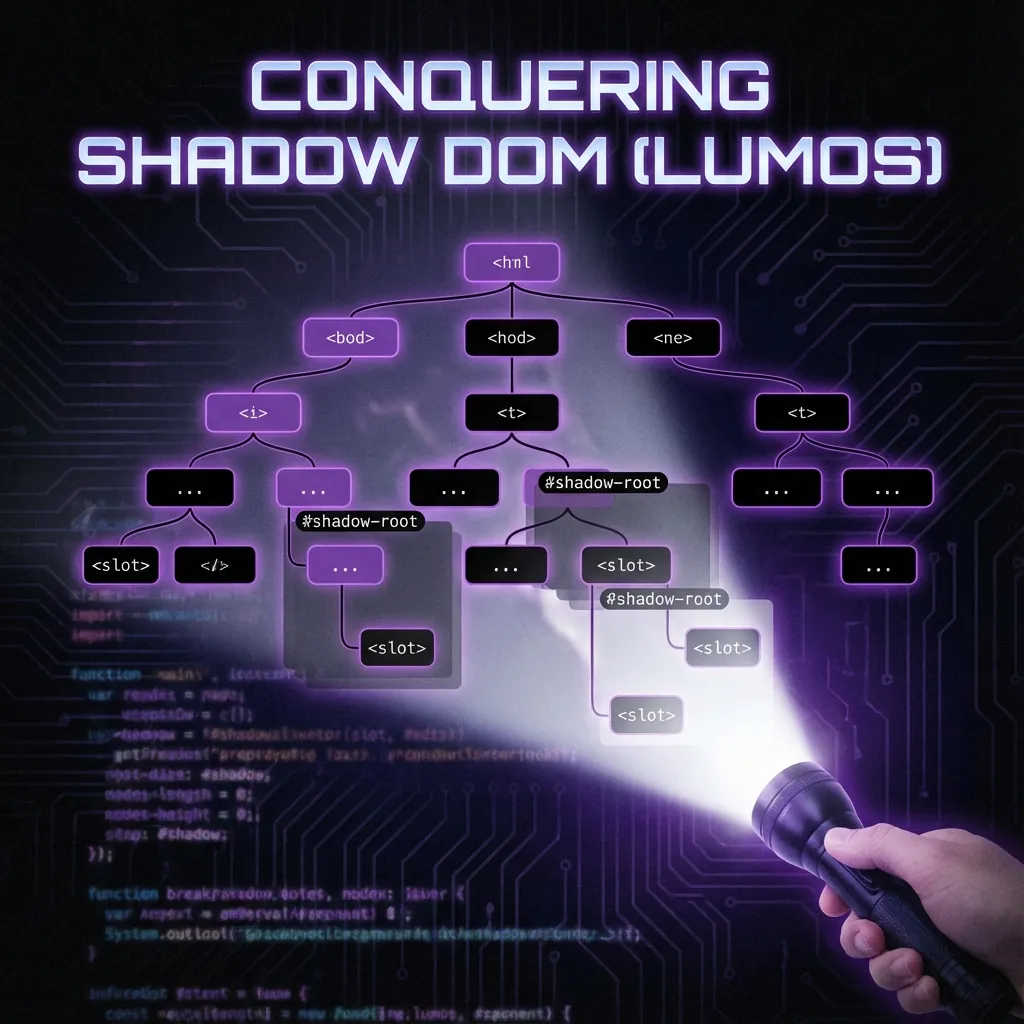
The Shadow DOM is a web standard that offers encapsulation for JavaScript, CSS, and templating. It allows component authors to hide their implementation details from the rest of the document. While this is great for developers preventing style leaks, it's a nightmare for automation testers. Standard global selectors (CSS, XPath) cannot penetrate the Shadow Boundary.

Why is it a Pain for Testers?

  • Invisibility: Standard WebDriver commands simply cannot see inside a shadow root.
  • Tedious Traversal: To access an element, you have to find the host, get the shadow root (often via JavaScript), and then search within that root. If you have nested shadow roots (which is common), you have to repeat this process recursively.
  • Discovery Hell: Browser DevTools often don't give you a clear path. Even worse, 'Event Retargeting' means that when you click an element inside a shadow root, the event looks like it came from the host element, making it hard to identify what you actually clicked.

Enter Lumos ShadowDOM

To solve this, I built Lumos ShadowDOM, a Python package designed to make Shadow DOM interactions as simple as standard Selenium commands. It bridges the gap between the encapsulated DOM and your automation scripts.

How We Solved It

The solution has two parts: a robust Python wrapper and a smart discovery tool.

  • Monkey Patching WebDriver: The package extends the standard Selenium WebDriver, adding a `find_shadow()` method. This method takes a special path string (e.g., `host > nested-host > target`) and handles all the JavaScript execution and recursive traversal for you.
  • Smart Discovery: We created a custom DevTools script that uses `event.composedPath()`. This API bypasses the shadow boundary, giving us the full path from the root to the clicked element. We then process this path to generate the shortest, most robust CSS selector possible.

How to Use It

Getting started is incredibly easy. First, install the package:

Code
pip install lumos-shadowdom

Then, simply import it in your test script. It automatically attaches itself to your WebDriver instance.

Code
from selenium import webdriver
import lumos_shadowdom  # This activates the extension

driver = webdriver.Chrome()
driver.get("https://example.com/shadow-dom-app")

# Instead of 15 lines of JS execution:
driver.find_shadow("my-app > settings-panel > #save-btn").click()

# Or use the smart text search if you don't know the path:
element = driver.find_shadow_text("Save Changes")
element.click()

Conclusion

Shadow DOM shouldn't mean the end of your automation efficiency. With tools like Lumos ShadowDOM, we can turn a complex, multi-step traversal into a single, readable line of code. It allows us to focus on testing the application logic rather than fighting the DOM structure.

Dhiraj Das

About the Author

Dhiraj Das | Senior Automation Consultant | 10+ years building test automation that actually works. He transforms flaky, slow regression suites into reliable CI pipelines—designing self-healing frameworks that don't just run tests, but understand them.

Creator of many open-source tools solving what traditional automation can't: waitless (flaky tests), sb-stealth-wrapper (bot detection), selenium-teleport (state persistence), selenium-chatbot-test (AI chatbot testing), lumos-shadowdom (Shadow DOM), and visual-guard (visual regression).

Share this article:

Get In Touch

Interested in collaborating or have a question about my projects? Feel free to reach out. I'm always open to discussing new ideas and opportunities.