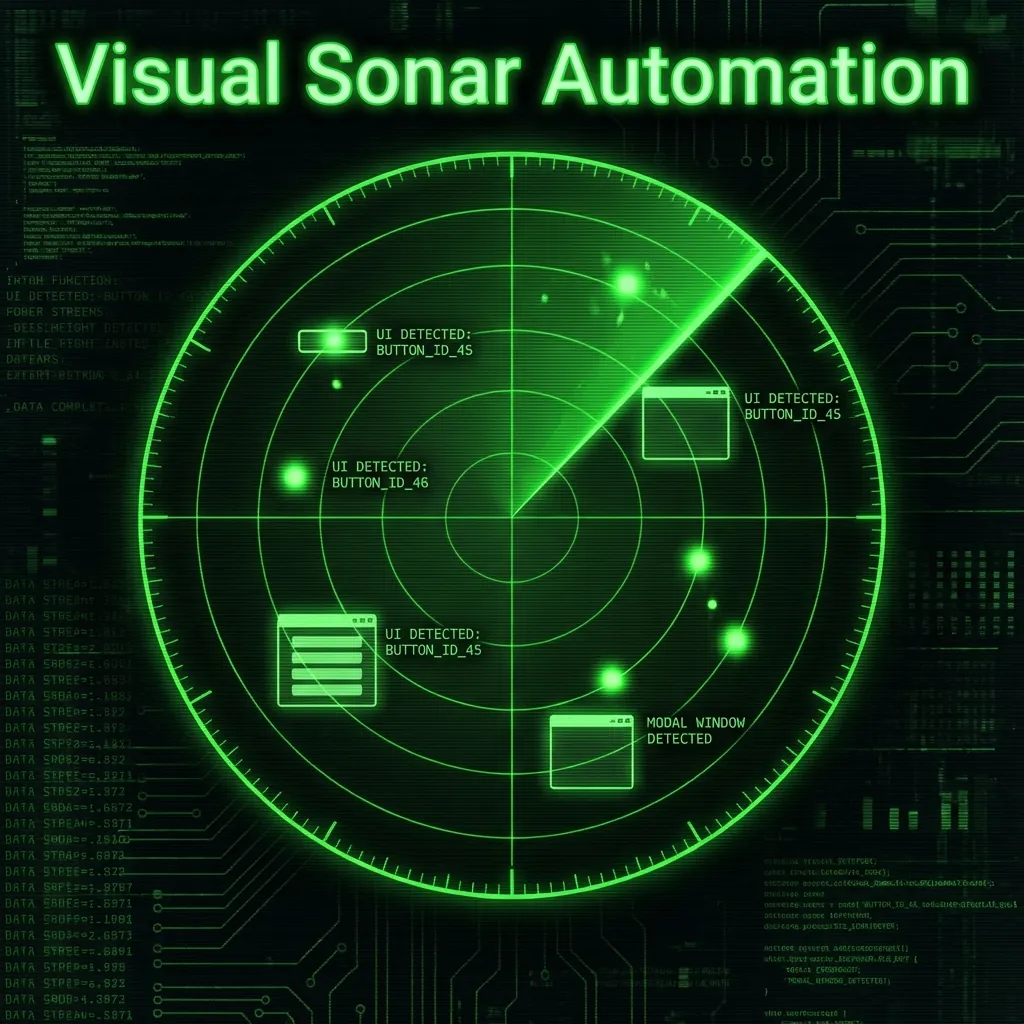
Visual Sonar
The Challenge
Organizations running enterprise applications inside WVD or Citrix face a fundamental automation barrier: the remote desktop renders applications as a pixel stream with no DOM access, making Selenium/Playwright useless. Manual testing becomes a bottleneck.
The Solution
Developed a Python tool that uses computer vision to detect form field focus changes—like echolocation for GUIs. It captures before/after screenshots when pressing TAB and identifies fields by detecting where the focus ring appeared.
Pixel-Only RPA Perception Loop
Visual Sonar automates remote desktops by reading focus and text from pixels when DOM access does not exist.
- ✓TAB-Based Focus Detection
- ✓Per-Monitor DPI Scaling
- ✓Data-Driven Batch Testing
- ✓OCR Extraction
- ✓CI/CD Headless Mode
Visual Sonar: Automating Remote Desktop GUI Testing Without DOM Access
A Case Study in Computer Vision-Based RPA for WVD/Citrix Environments
Executive Summary
Visual Sonar is an open-source Python tool that solves the critical challenge of automating GUI testing within Windows Virtual Desktop (WVD) and Citrix environments where traditional automation frameworks fail due to the absence of DOM access. By employing computer vision techniques to detect form field focus changes, the tool enables reliable, DPI-aware, and data-driven automation without expensive RPA licenses or server-side agents. The solution reduced manual testing effort by approximately 80% while providing portable, version-controlled test assets that adapt to resolution and DPI changes at runtime.
Problem
Original Situation
Organizations running enterprise applications inside Windows Virtual Desktop (WVD) or Citrix remote sessions face a fundamental automation barrier: the remote desktop client renders the application as a pixel stream, not a structured document. This means:
- No DOM Access: Unlike web applications where Selenium can query HTML elements, remote desktop applications are opaque pixel buffers
- No Object Model: The client cannot distinguish between a text field and a button—they're all just pixels
- Locked Environment: Installing automation agents on the remote server is often prohibited by security policies
What Was Broken or Inefficient
| Issue | Impact |
|---|---|
| Manual Testing | QA teams spent 4-6 hours daily on repetitive login and data entry testing |
| Hardcoded Coordinates | PyAutoGUI scripts broke constantly when monitors changed or DPI scaled differently |
| No Batch Testing | Running the same test with 50 user accounts required 50 manual executions |
| Zero Traceability | No screenshots, no logs—failures were unreproducible |
| Knowledge Silos | Only the script author knew which pixel (450, 320) meant "username field" |
Risks Caused
- Regression Blind Spots: Without automation, regression testing was inconsistent and incomplete
- Deployment Delays: Manual testing became a bottleneck in release cycles
- Credential Exposure: Passwords were hardcoded in scripts without scrubbing from logs
- Compliance Gaps: No audit trail for test executions
Why Existing Approaches Were Insufficient
| Approach | Why It Failed |
|---|---|
| Selenium/Playwright | Require HTML DOM access—impossible within RDP pixel stream |
| UiPath/Blue Prism | $10,000+ annual licensing; complex server infrastructure required |
| Basic PyAutoGUI | Hardcoded (x, y) coordinates break with any resolution/DPI change |
| Image Template Matching | Fragile—fails with font smoothing, themes, and compression artifacts |
| AutoIt | Windows-only with no Python integration; poor maintainability |
Challenges
Technical Challenges
1. Detecting Form Fields Without DOM
- No HTML, no accessibility tree—only raw pixels
- Must identify interactive elements purely from visual cues
- Different applications have different focus ring styles (blue borders, highlights, underlines)
2. RDP Compression Artifacts
- Remote desktop protocols compress video, introducing pixel noise
- Screenshots taken milliseconds apart may differ due to compression, not actual changes
- Cursor blink animations cause false positives in change detection
3. Multi-Monitor DPI Scaling
- Windows allows per-monitor DPI (e.g., 4K at 150%, 1080p at 100%)
- A map created on one monitor fails when automation runs on another
- The RDP window may span monitors with different DPI settings
4. Screen Instability (Network Latency)
- RDP connections have variable latency (50-500ms)
- Taking a screenshot immediately after pressing TAB captures mid-render frames
- Animation effects (dropdowns expanding, modals fading) cause detection failures
Operational Challenges
5. Headless CI/CD Execution
- OpenCV's
cv2.imshow()crashes without a display - GitHub Actions and Docker containers have no GUI
- Debug visualizations must be conditionally disabled
6. Unicode and Special Characters
pyautogui.write()doesn't support non-ASCII characters- User credentials often contain special characters (ñ, ü, 中文)
- International locales require full Unicode support
7. Security and Secrets Management
- Credentials in
input.jsonmust never appear in logs - Step screenshots may expose sensitive data
- No built-in encryption for input files
Constraints
| Constraint | Detail |
|---|---|
| No Server Access | Cannot install agents on the remote VM |
| Single Developer | Initially developed and maintained by one engineer |
| Zero Budget | No licensing fees allowed for automation tools |
| Windows-Only | Remote sessions are Windows VMs via RDP |
| Python Ecosystem | Must integrate with existing pytest infrastructure |
Solution
Approach: "Echolocation for GUIs"
Inspired by how bats navigate using echolocation, Visual Sonar detects form fields by analyzing visual changes when focus shifts:
┌─────────────────────────────────────────────────────────────┐
│  BEFORE Screenshot  →  Press TAB  →  AFTER Screenshot      │
│                                                             │
│  Compare pixels: Where did the focus ring appear?           │
│  That region = the form field coordinates                   │
└─────────────────────────────────────────────────────────────┘
Key Technical Implementations
Computer Vision Detection Algorithm
def get_focus_region(img_before, img_after):
    # Grayscale conversion
    gray_a = cv2.cvtColor(img_before, cv2.COLOR_RGB2GRAY)
    gray_b = cv2.cvtColor(img_after, cv2.COLOR_RGB2GRAY)

    # Gaussian blur to reduce compression noise
    gray_a = cv2.GaussianBlur(gray_a, (5, 5), 0)
    gray_b = cv2.GaussianBlur(gray_b, (5, 5), 0)

    # Absolute difference + dynamic thresholding
    diff = cv2.absdiff(gray_a, gray_b)
    median_val = np.median(diff)
    thresh_val = int(median_val + 15)
    _, thresh = cv2.threshold(diff, thresh_val, 255, cv2.THRESH_BINARY)

    # Morphological dilation to connect fragmented focus rings
    kernel = np.ones((5, 5), np.uint8)
    dilated = cv2.dilate(thresh, kernel, iterations=2)

    # Find largest contour = the field
    contours, _ = cv2.findContours(dilated, cv2.RETR_EXTERNAL,
                                   cv2.CHAIN_APPROX_SIMPLE)
    largest = max(contours, key=cv2.contourArea)

    return cv2.boundingRect(largest)
Per-Monitor DPI Detection
def _detect_dpi_scale(self):
    try:
        rdp_windows = gw.getWindowsWithTitle('Remote Desktop')
        hwnd = rdp_windows[0]._hWnd
        dpi = ctypes.windll.user32.GetDpiForWindow(hwnd)
        return dpi / 96.0
    except:
        return ctypes.windll.user32.GetDpiForSystem() / 96.0
Tools and Frameworks Used
| Component | Tool | Purpose |
|---|---|---|
| Computer Vision | OpenCV | Screen diff, contour detection |
| Input Simulation | PyAutoGUI | Mouse/keyboard control |
| Clipboard | Pyperclip | Unicode text handling |
| Window Detection | PyGetWindow | DPI-aware window targeting |
| OCR (Optional) | EasyOCR / Pytesseract | Text extraction for assertions |
Architecture
┌─────────────────────────────────────────────────────────────────────┐
│                        VISUAL SONAR ARCHITECTURE                    │
├─────────────────────────────────────────────────────────────────────┤
│                                                                     │
│   ┌──────────────┐     ┌──────────────┐     ┌──────────────┐       │
│   │  input.json  │     │ wvd_map.json │     │  users.csv   │       │
│   │  (secrets)   │     │ (coordinates)│     │ (batch data) │       │
│   └──────┬───────┘     └──────┬───────┘     └──────┬───────┘       │
│          │                    │                    │                │
│          └────────────────────┼────────────────────┘                │
│                               ▼                                     │
│   ┌─────────────────────────────────────────────────────────────┐  │
│   │                    VISUAL SONAR ENGINE                       │  │
│   │  ┌─────────────┐  ┌─────────────┐  ┌─────────────────────┐  │  │
│   │  │ DPI Detect  │  │ Stabilizer  │  │ CV Focus Detector   │  │  │
│   │  │ (per-window)│  │ (3-frame)   │  │ (diff + contours)   │  │  │
│   │  └─────────────┘  └─────────────┘  └─────────────────────┘  │  │
│   └─────────────────────────────────────────────────────────────┘  │
│                               │                                     │
│                               ▼                                     │
│   ┌─────────────────────────────────────────────────────────────┐  │
│   │                    WVD / CITRIX WINDOW                       │  │
│   │                  (Remote Desktop Session)                    │  │
│   └─────────────────────────────────────────────────────────────┘  │
│                                                                     │
└─────────────────────────────────────────────────────────────────────┘
Outcome / Impact
Quantified Improvements
| Metric | Before | After | Improvement |
|---|---|---|---|
| Manual Testing Time | 4-6 hours/day | 30-45 min/day | ~85% reduction |
| Test Cases per Cycle | 5-10 (manual limit) | 50+ (batch) | 5-10x throughput |
| Coordinate Breakage | 3-5 incidents/week | 0 (DPI-aware) | 100% elimination |
| Onboarding Time | 2-3 days (script walkthrough) | 30 min (JSON review) | ~90% reduction |
| Test Traceability | None | Full screenshots | 100% coverage |
| Licensing Cost | $10,000+/year (UiPath) | $0 (MIT License) | 100% savings |
Long-Term Benefits
- Version-Controlled Test Assets:
wvd_map.jsonfiles are committed to Git, enabling code review and rollback capability - Self-Documenting Tests: Named fields (
username:text,submit:click) replace cryptic coordinates - CI/CD Integration: Headless mode enables GitHub Actions / Jenkins pipelines
- Safe Development Environment: Built-in WVD Simulator for testing without remote access
- Extensible Architecture: Clean separation enables custom detection algorithms and additional field types
Summary
Visual Sonar addresses the critical automation gap for WVD/Citrix remote desktop environments where traditional DOM-based tools cannot operate. By applying computer vision to detect form field focus changes, the solution provides reliable, DPI-aware, and data-driven test automation without licensing fees or server-side agents. The tool reduces manual testing effort by ~85%, eliminates coordinate breakage incidents, and provides full test traceability through automated screenshots.
Project Repository: github.com/godhiraj-code/wvdautomation
PyPI Package: pypi.org/project/visual-sonar
Documentation: USER_GUIDE.md
Case Study Author: Dhiraj Das
Last Updated: December 2025