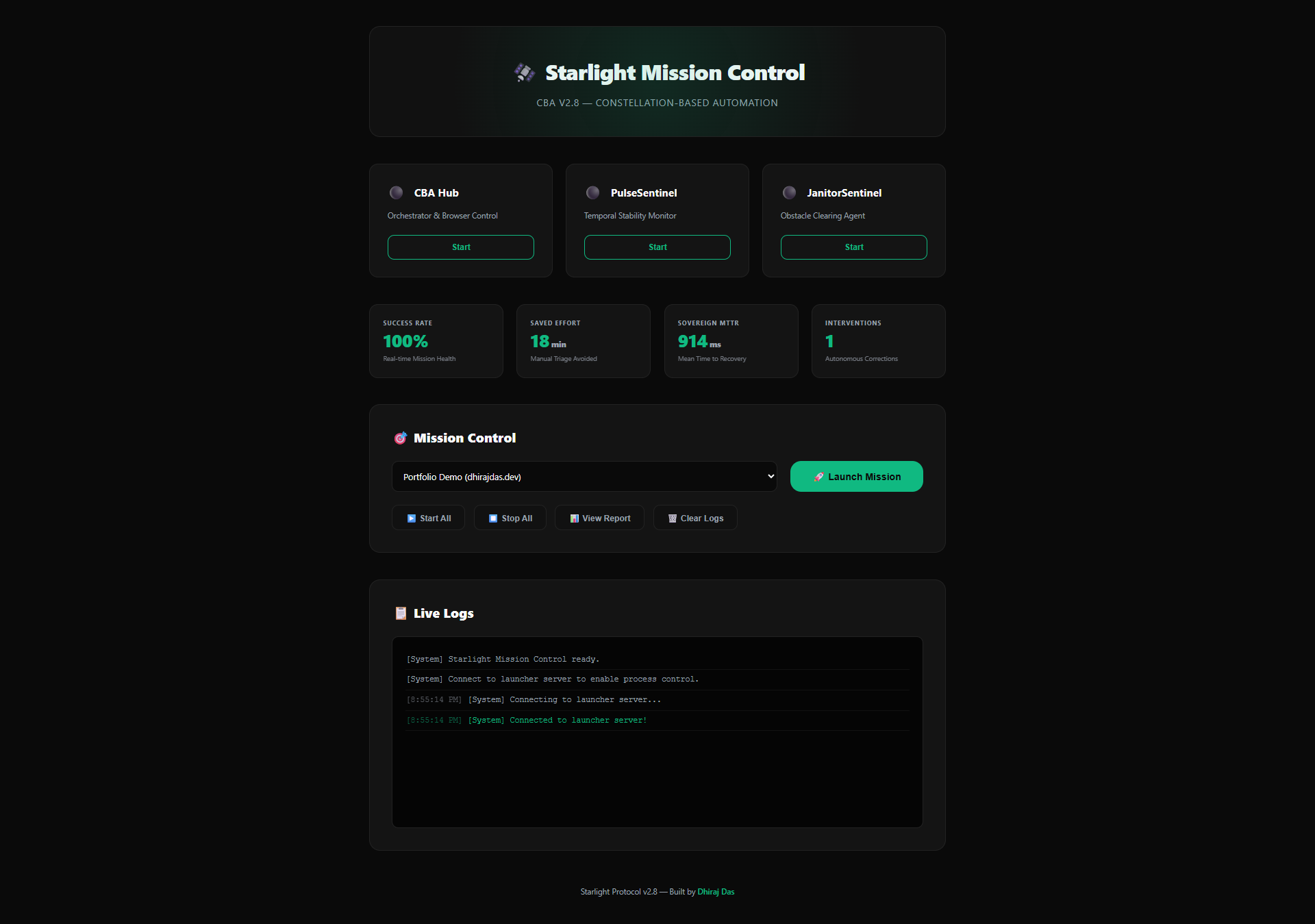
A dashboard should help a reviewer inspect an outcome. The September Starlight website replaces the older browser Mission Control story with a read-only explorer of six actual execution reports and a narrated demonstration. It makes the evidence visible without pretending that a static website is controlling live agents.
Begin with the result, then inspect the attempt
Open a report and identify its mission, final status, selected agent, attempts, and evidence. A completed status is meaningful only in the context of the agent and its verifier. It does not certify that arbitrary business constraints were enforced.
Watch the demonstration with that checklist
The public demo is a 3 minute 20 second, 1080p narrated walkthrough with captions and chapter controls. Its purpose is to connect visible status to execution evidence, including failure paths. The explorer contains recorded examples; running a fresh mission locally is how you check the behavior in your own environment.
Inspect your own run
Run the data-report demo from Part 1, then use the run ID printed by the CLI. Replace the placeholder below with that ID.
node bin/starlight-platform.js inspect <run-id>Keep the final JSON report and its output artifact together. If a test result is important to your decision, preserve the command and input revision too. A report from a different checkout is useful history, but it cannot validate a later edit.
Measure savings instead of assigning them
The earlier article assigned fixed minutes of saved engineering work to each automated intervention. That was an estimate, not measured ROI. To assess value, compare comparable tasks before and after adoption: time to review, intervention frequency, repeated work, and recovery effort. Record the number of runs and the environment alongside the result.
Know what the report leaves out
- CLI reports are final records, not durable execution checkpoints.
- The SDK retains a bounded in-memory history, with a default of 100 runs.
- A cancelled task may already have created a side effect.
- Keep credentials and personal data out of mission context and evidence.
- A new recovery run is a separate attempt; it does not resume a crashed process automatically.
The strongest report makes it easy to disagree with the agent. A reviewer should be able to find a missing check, rejected result, or incomplete action without reconstructing the entire session from a success message.
Continue the series
- Starlight Part 1: From Browser Automation to a General Agent Platform
- Starlight Part 3: Bounded Missions, Cancellation, and Safe Retry Decisions
- Starlight Part 4: Building a Domain Agent with an Explicit Contract
- Starlight Part 5: The Core Protocol and Authenticated Remote Agents
Reviewed implementation and setup