Automation
AI
Test Automation
← Back to Blogs

I got tired of bot detection in automation testing, so I wrote this 4-line Python fix

December 02, 2025 3 min read
SB Stealth Wrapper Cover

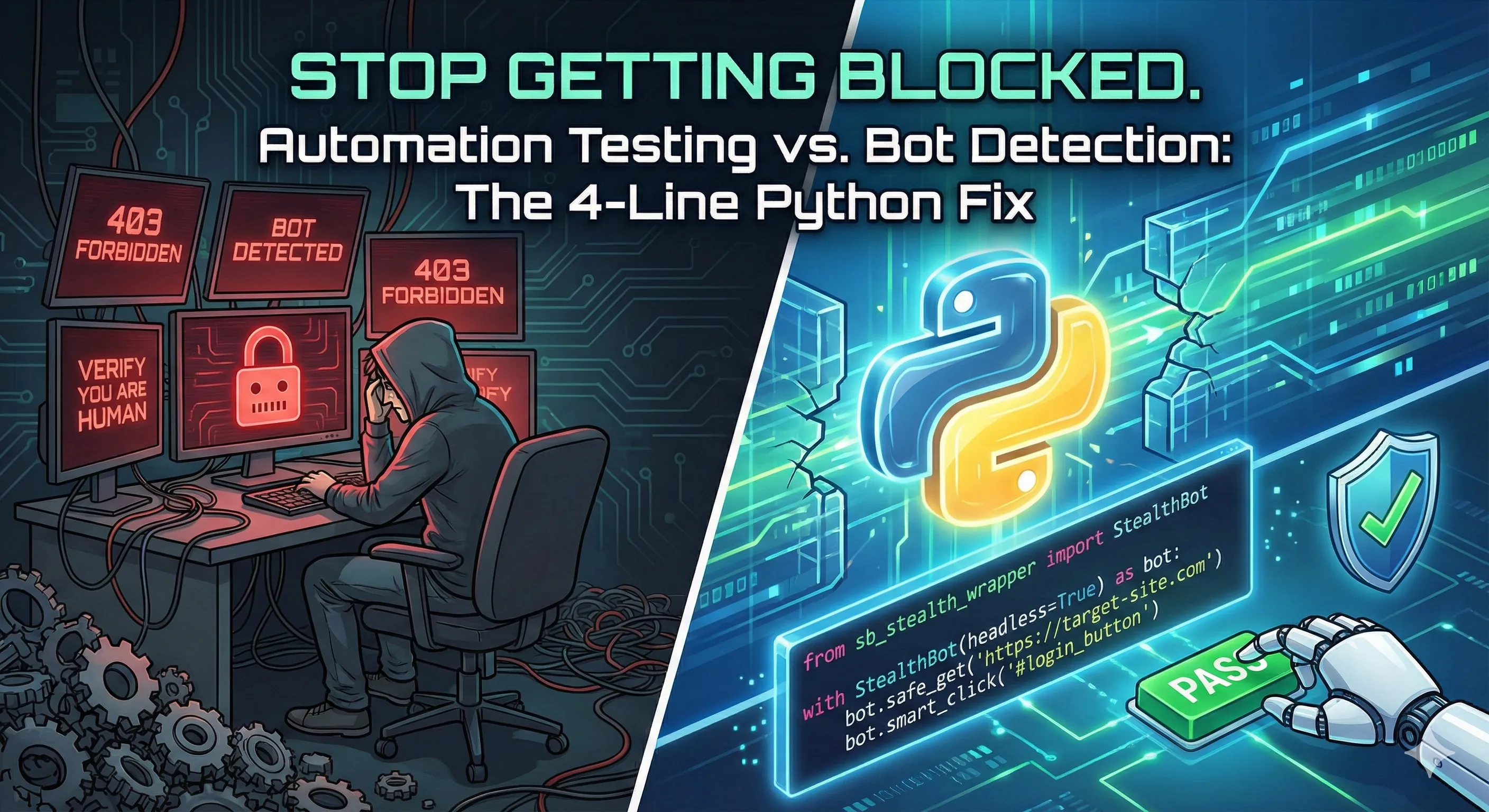
Handling bot detection with SB Stealth Wrapper

It happened again. My script was perfect locally. I pushed it to CI, and... `403 Forbidden`. I wasn't testing a bank; I was testing a landing page. The modern web has become hostile to automation.

Developers are tired of getting blocked by 403 Forbidden errors, Cloudflare Turnstiles, and "Verify you are human" loops when using Selenium or Playwright. We spend more time fighting bot detection than writing actual tests.

The Old Way (The Struggle)

We've all been there. You try to make Selenium 'stealthy' by piling on options, changing user agents, and praying.

Code
# The "Please don't ban me" starter pack
options = webdriver.ChromeOptions()
options.add_argument("--headless") 
options.add_argument("--disable-blink-features=AutomationControlled")
options.add_argument("user-agent=Mozilla/5.0...")
# ... 20 more lines of hoping it works
driver = webdriver.Chrome(options=options)

# Result: Still blocked.

The New Way (The 4-Line Fix)

I built **sb-stealth-wrapper** to solve this once and for all. It wraps SeleniumBase's UC Mode with intelligent defaults that just work.

Code
from sb_stealth_wrapper import StealthBot

# 1. Initialize with one line (Auto-handles Linux/Xvfb)
with StealthBot(headless=True) as bot:
    # 2. Navigate safely
    bot.safe_get("https://nowsecure.nl")
    
    # 3. Interact like a human
    bot.smart_click("#verify")

The Secret Sauce: Why it Works

1. The Linux/Xvfb Hack

Headless Chrome on Linux is a dead giveaway. It screams 'I am a bot' because it lacks a display server. My wrapper detects if it's running on Linux and automatically spawns a virtual display (Xvfb). This means Chrome *thinks* it has a screen, giving you the stealth of a headed browser with the convenience of a headless server.

2. Heuristic Clicking

`bot.click()` is too perfect. It's instantaneous and mechanical. `smart_click()` is different. It scrolls the element into view, hovers for a split second, and then clicks. If the element is obscured (a common anti-bot tactic), it intelligently falls back to a JavaScript click. It feels human.

Benchmark Results

I ran a comparison against standard Selenium and Playwright on a tough bot challenge (NowSecure). The results speak for themselves.

Code
Run python examples/benchmark_comparison.py
=== Starting Benchmark Comparison ===
Target: https://nowsecure.nl
Timeout: 15s

[Benchmark] Running Standard Selenium (Chrome)...
[Result] Selenium: FAIL (0.50s) - Message: session not created: Chrome instance exited. Examine ChromeDriver verbose log to determine ...

[Benchmark] Running Playwright (Chromium)...
[Result] Playwright: FAIL (0.36s) - BrowserType.launch: Target page, context or browser has been closed
Browser logs:

╔════════════════...

[Benchmark] Running StealthBot...
[StealthBot] Linux detected. Enabling Xvfb and disabling native headless mode for stealth.
[StealthBot] Navigating to https://nowsecure.nl...
[StealthBot] Waiting for page content...
[StealthBot] Challenge passed!
   -> navigator.webdriver: False
[Result] StealthBot: PASS (3.65s)

========================================
Tool            | Status     | Time      
----------------------------------------
Selenium        | FAIL       | 0.50s
Playwright      | FAIL       | 0.36s
StealthBot      | PASS (Bot Detected: False) | 3.65s
========================================

Put This to Test Now

You don't need complex error handling to see the magic. Here is the raw proof.

We will run this in headless=True (which usually fails instantly) against NowSecure (a tough bot challenge).

Code
from sb_stealth_wrapper import StealthBot

if __name__ == "__main__":
    # 1. Initialize (Auto-handles Xvfb/Headless)
    with StealthBot(headless=True) as bot:
        
        print("--- Testing Protected Site (nowsecure.nl) ---")
        bot.safe_get("https://nowsecure.nl")
        
        # 2. Verify we passed the challenge
        try:
            # We wait for the success header (Note: The text changed from "OH YEAH" recently)
            bot.sb.wait_for_text("NOWSECURE", "h1", timeout=30)
            print("βœ… SUCCESS: Bypassed Cloudflare/Turnstile!")
            bot.save_screenshot("success_proof")
            
        except Exception as e:
            print(f"❌ FAILURE: Detection triggered. Error: {e}")
            
            # 3. Auto-Debug (Saves HTML so you can see why it failed)
            with open("debug_failure.html", "w", encoding="utf-8") as f:
                f.write(bot.sb.get_page_source())
            print("Dumped page source to debug_failure.html")

    print("Test Complete.")

That is it. If you want the robust, production-ready version with error handling and HTML debugging, check out the full example on GitHub:

Get It Now

Stop writing boilerplate. Start writing tests.

Code
pip install sb-stealth-wrapper

Credits

This project stands on the shoulders of giants. A massive shoutout to the **SeleniumBase** team for their incredible work on UC Mode. `sb-stealth-wrapper` is essentially a love letter to their engineering, wrapping it in a way that makes it even more accessible for specific use cases.

**Ethical Disclaimer**: This tool is for educational purposes and for testing environments you own. Do not use it for unauthorized scraping or bypassing security controls on websites you do not have permission to test.

Dhiraj Das

About the Author

Dhiraj Das is a Senior Automation Consultant specializing in Python, AI, and Intelligent Quality Engineering. Beyond delivering enterprise solutions, he dedicates his free time to tackling complex automation challenges, publishing tools like sb-stealth-wrapper and lumos-shadowdom on PyPI.

Share this article:

Get In Touch

Interested in collaborating or have a question about my projects? Feel free to reach out. I'm always open to discussing new ideas and opportunities.

Say Hello