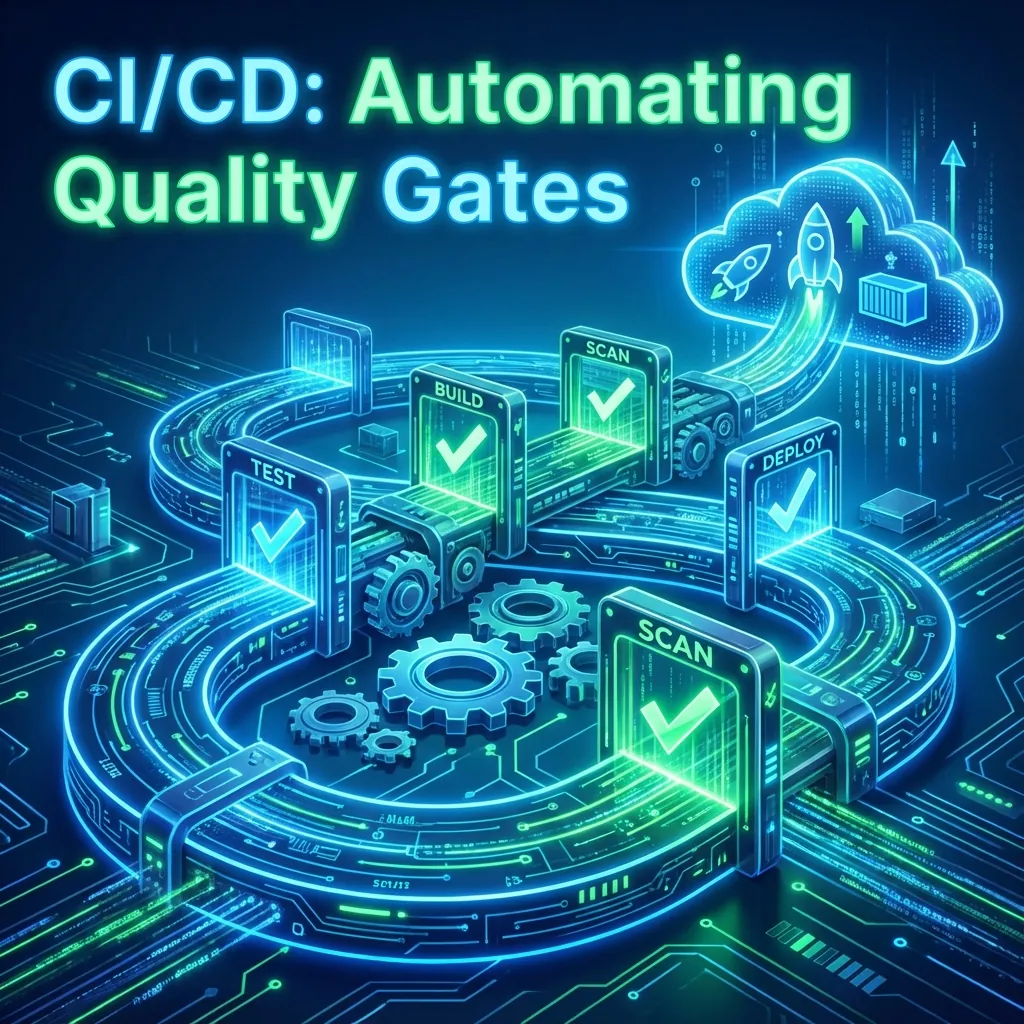
Pipeline Perfection
- Containerization: Dockerize for consistency
- Speed: Parallel execution with pytest-xdist
- Enforcement: Quality Gates that block bad code
- Feedback: Fast reports to Slack/Teams
Ensuring quality is not an afterthought — it’s built into every commit.
The dreaded phrase “it works on my machine” exists because teams rely on inconsistent environments and manual testing late in the delivery process. A true CI/CD pipeline eliminates this entirely.
Modern development requires:
- Automated tests on every commit
- Clean, reproducible environments
- Fast feedback
- Automatic quality enforcement
In this blog, we unpack how to achieve all of this — using containers, parallel execution, and intelligent quality gates.
1. Clean, Reproducible Execution in CI/CD
When tests run on local laptops, results are inconsistent due to: Version mismatches, Missing dependencies, OS-level differences, Different browsers/drivers, Network variations, Caching issues.
A CI/CD pipeline solves this by running tests in ephemeral, isolated, reproducible environments — ideally containers.
2. Dockerizing Tests — The Golden Standard
Containers make dependencies and startup repeatable, but they do not equalize CPU limits, kernel behavior, network access, browser flags, or test data. Record those differences when comparing a local result with CI.
Why Dockerize Test Automation?
- ✔ Identical environment every run
- ✔ Python, dependencies, tools all pre-installed
- ✔ No “browser/driver mismatch” issues
- ✔ Repeatable and portable
- ✔ Enables horizontal scaling
- ✔ Easy to integrate into Kubernetes test grids
Sample Dockerfile for Python Automation
FROM python:3.12-slim-bookworm

RUN apt-get update && apt-get install -y --no-install-recommends \
    chromium chromium-driver \
    && rm -rf /var/lib/apt/lists/*

WORKDIR /tests
COPY requirements.txt .
RUN pip install --no-cache-dir -r requirements.txt
COPY . .

# Configure headless Chrome in the driver fixture.
# Pin the image digest and Python requirements in a maintained CI setup.
CMD ["pytest"]
Best Practices
- Pin dependency versions (requirements.txt)
- Use multi-stage builds for lighter images
- Add health checks for long-lived containers
- Cache pip dependencies for faster builds
- Build images via CI, not manually
Common Pitfalls
- ❌ Running tests directly on Jenkins machine (pollutes environment)
- ❌ Mixing Python and Node dependencies in same image carelessly
- ❌ Not mounting volumes → loss of reports
- ❌ Installing browsers at runtime → slow pipelines
3. Parallel Execution & Scalability
As the test suite grows, serial execution becomes painfully slow. Parallelization is mandatory for CI.
a. Parallelizing Python Tests Using pytest-xdist
pytest-xdist enables: Parallel execution across CPU cores, Distributed execution across multiple machines, Load balancing of test files.
pytest -n 8
# Or auto-detect available cores:
pytest -n auto
b. Splitting Tests by Tags or Markers
[pytest]
markers =
    smoke: quick checks
    regression: full suite
    slow: performance-heavy
In CI: pytest -m 'smoke' or pytest -m 'not slow'
c. Parallel Execution in CI Tools (Jenkins Example)
stage('Parallel Tests') {
parallel {
    stage('Login Tests') { steps { sh 'pytest tests/login -n auto' } }
    stage('Checkout Tests') { steps { sh 'pytest tests/checkout -n auto' } }
    stage('API Tests') { steps { sh 'pytest tests/api -n auto' } }
}
}
4. Quality Gates — Automated Release Intelligence
A CI pipeline must do more than run tests. It must enforce quality, preventing “bad builds” from reaching production branches. A Quality Gate is an automated rule that determines whether a build passes or fails.
What Makes a Good Quality Gate?
- ✔ Test pass rate checks (e.g., 100% for merge)
- ✔ Code coverage enforcement (e.g., > 80%)
- ✔ Static analysis results (Linting errors must be zero)
- ✔ Security scan results (No high/critical vulnerabilities)
- ✔ Performance thresholds (e.g., API response < 150ms)
Implementing a Quality Gate in Jenkins
// Illustrative Jenkins stage. These helper functions must be
// implemented in your shared library against real report artifacts.
stage('Quality Gate') {
    steps {
        script {
            def result = readReviewedQualityPolicy()
            def evidence = collectQualityEvidence()
            if (!meetsPolicy(evidence, result)) {
                error('Quality gate failed; inspect the attached evidence')
            }
        }
    }
}
5. Integrating Static Analysis Tools
Quality isn’t just runtime — it’s coding standards too. For Python, tools like Pylint, Ruff, Bandit, and mypy run in CI as Quality Gates.
ruff check .
pylint src/
mypy src/
bandit -r src/
6. CI/CD Anti-Patterns to Avoid
- ❌ Relying on manual triggers
- ❌ Running tests on developer laptops
- ❌ Allowing flaky tests to pass
- ❌ Running all tests on every commit (split intelligently)
- ❌ Not caching Docker layers → slow builds
- ❌ No visibility into flaky tests
- ❌ Running tests against production accidentally
- ❌ Using shared mutable test data
7. Architecture of an Enterprise-Grade CI Pipeline
✔ Commit → Build → Test → Quality Gate → Deploy
- Pre-Commit: Linting, Type checks, Unit tests
- Build Stage: Docker image creation, Dependency scanning
- Automated Tests: Unit tests, API and contract tests, UI tests (if tagged), Performance smoke tests
- Quality Gate: Coverage, Test pass rate, Security, Linting, Dependency vulnerabilities
- Deployment: Canary, Blue/Green, Feature flag-based rollout
- Post-Deployment Checks: Smoke tests, Health checks, Observability signals
8. Final Blueprint Summary
- ✔ Dockerize tests
- ✔ Parallelize isolated tests within runner and service capacity
- ✔ Enforce Quality Gates
- ✔ Integrate static analysis
- ✔ Version environment inputs and record remaining sources of variation
- ✔ Adopt matrix builds for scalability
- ✔ Shift-left tests: API > UI
- ✔ Fail fast when quality drops
- ✔ Use ephemeral, isolated agents
- ✔ Produce rich reports for debugging
Official Resources
Dive deeper into building robust pipelines: